Important Changes to Your EV Charging Station Management
Important Changes to Your EV Charging Station Management
Important Changes to Your EV Charging Station Management
Beginning 08/01/2025, your EV charging stations will be managed through our new synergEV platform. We've streamlined the experience to better serve you and your customers.
Beginning 08/01/2025, your EV charging stations will be managed through our new synergEV platform. We've streamlined the experience to better serve you and your customers.
Beginning 08/01/2025, your EV charging stations will be managed through our new synergEV platform. We've streamlined the experience to better serve you and your customers.
Contact Support
CONSOLE ACCESS
CONSOLE ACCESS
Accessing Your New Management Console
Accessing Your New Management Console
Your new portal is live and ready - follow the steps below to get set up.
Your new portal is live and ready - follow the steps below to get set up.
Your new portal is live and ready - follow the steps below to get set up.
New Console Link
Your new EV charging management console is now available at ops.synergev.com/admin
Your new EV charging management console is now available at ops.synergev.com/admin
Your new EV charging management console is now available at ops.synergev.com/admin
Password Setup
Between 08/01/2025 and 08/31/2025 you will receive an email to create an account. If by 09/01/2025 you have not received a "set up account" email, navigate to the console and click 'Forgot Password'.
Station Management
Once logged in, you'll have immediate access to all your charging stations through the new interface.
Password Setup
Between 08/01/2025 and 08/31/2025 you will receive an email to create an account. If by 09/01/2025 you have not received a "set up account" email, navigate to the console and click 'Forgot Password'.
Between 08/01/2025 and 08/31/2025 you will receive an email to create an account. If by 09/01/2025 you have not received a "set up account" email, navigate to the console and click 'Forgot Password'.
Station Management
Once logged in, you'll have immediate access to all your charging stations through the new interface.
Once logged in, you'll have immediate access to all your charging stations through the new interface.
MOBILE APP
MOBILE APP
The synergEV Mobile App
The synergEV Mobile App
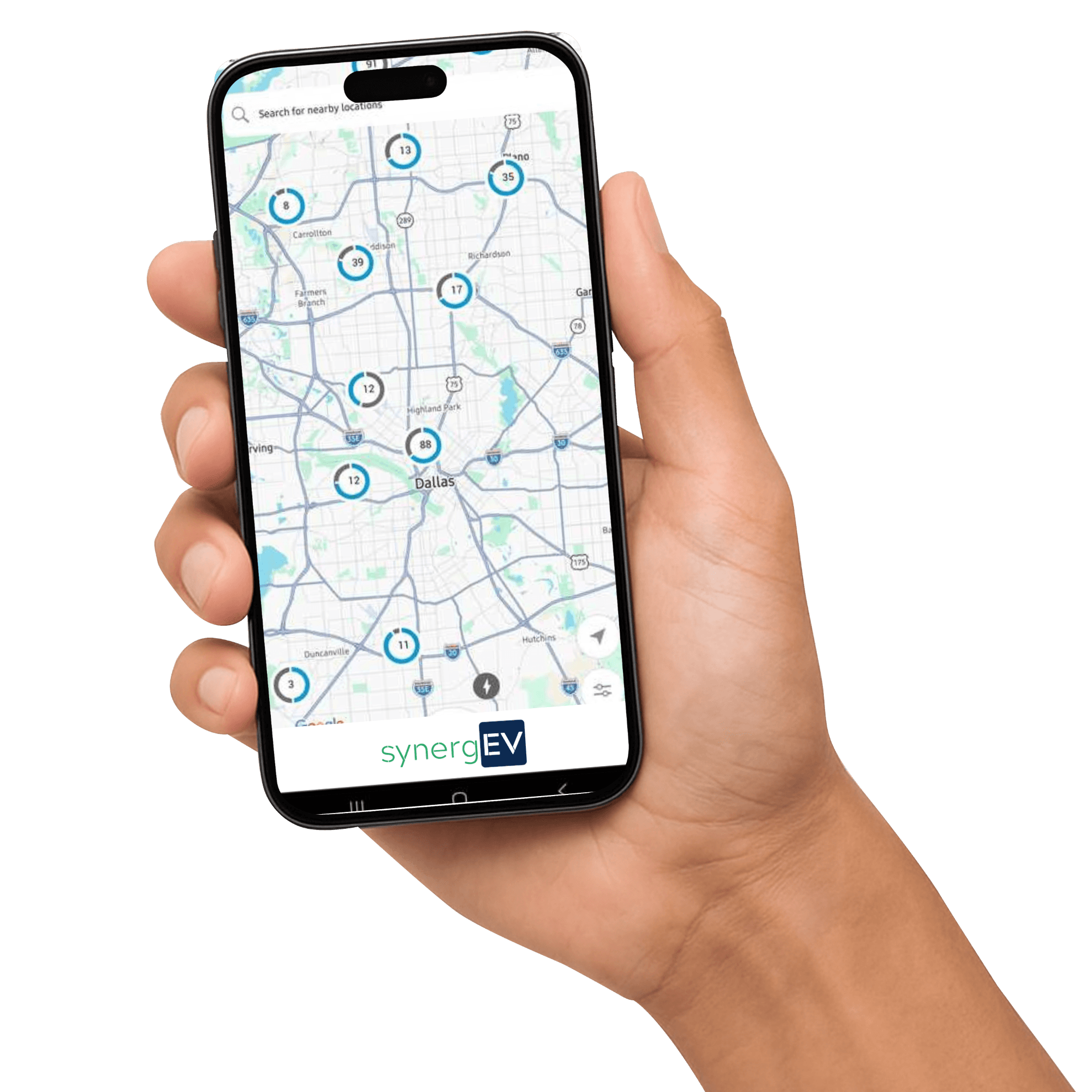
Our new synergEV mobile app delivers all the EV charging features your drivers are already familiar with - finding stations, starting sessions, requesting key fobs, reviewing transaction history, and more.
Download today to experience the full range of features designed specifically for drivers.
Our new synergEV mobile app delivers all the EV charging features your drivers are already familiar with - finding stations, starting sessions, requesting key fobs, reviewing transaction history, and more.
Download today to experience the full range of features designed specifically for drivers.
Our new synergEV mobile app delivers all the EV charging features your drivers are already familiar with - finding stations, starting sessions, requesting key fobs, reviewing transaction history, and more.
Download today to experience the full range of features designed specifically for drivers.
If your organization uses discounts and access plans, the synergEV Mobile App is required for that functionality to work.
If your organization uses discounts and access plans, the synergEV Mobile App is required for that functionality to work.

QR CODE ROLLOUT
QR CODE ROLLOUT
New QR Codes
New QR Codes
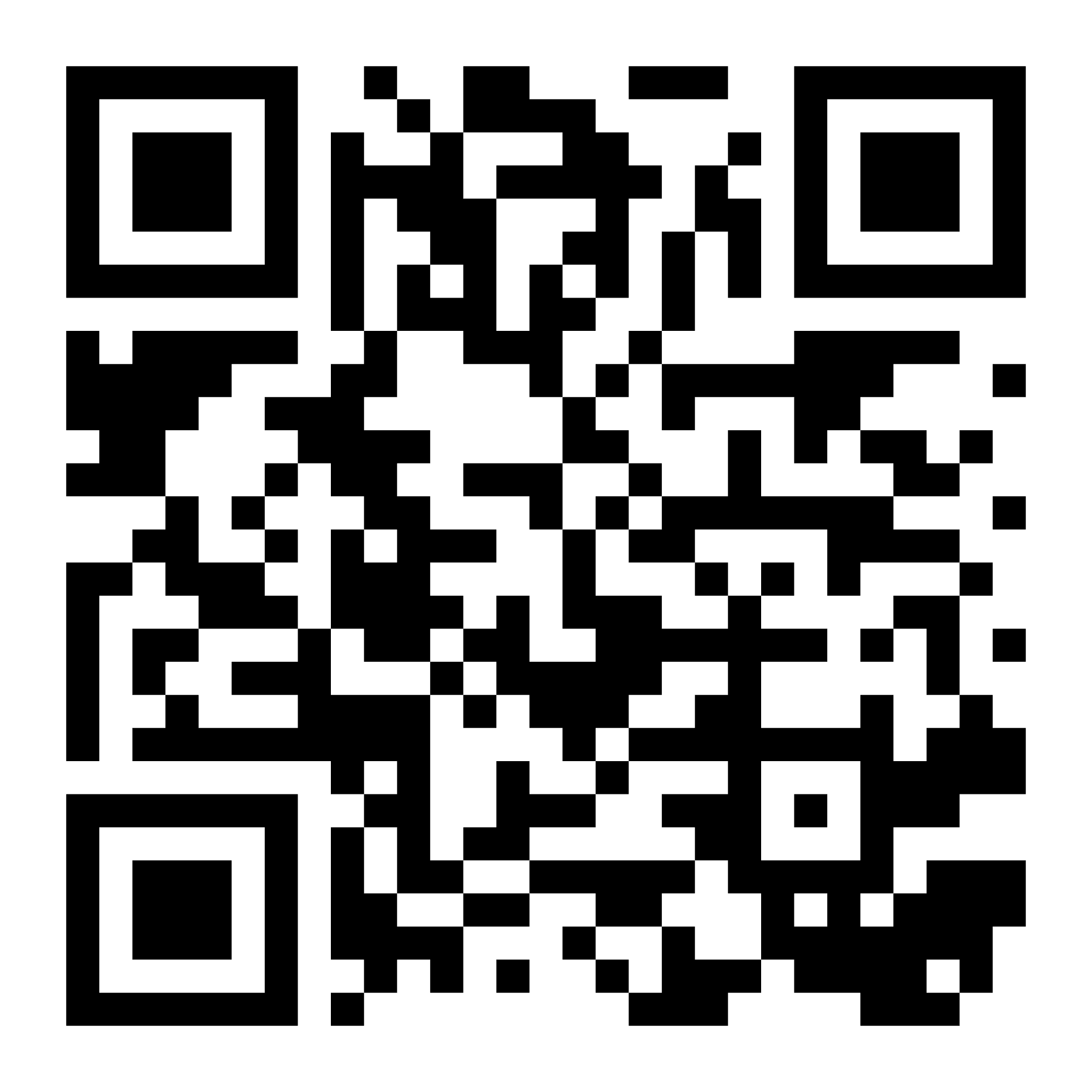
New synergEV-branded QR codes are being distributed to all site hosts. Installation is required to maintain seamless station operation.
New synergEV-branded QR codes are being distributed to all site hosts. Installation is required to maintain seamless station operation.

Distribution
By 10/15/2025, you will receive new synergEV-branded QR codes with detailed installation instructions. Email support@synergev.com if not received by 10/25/2025.
By 10/15/2025, you will receive new synergEV-branded QR codes with detailed installation instructions. Email support@synergev.com if not received by 10/25/2025.
Installation
These QR codes must be installed on all your charging stations to ensure proper functionality.
These QR codes must be installed on all your charging stations to ensure proper functionality.
Deadline
Complete installation by the end of October 2025 to maintain seamless operation of your stations.
Complete installation by the end of October 2025 to maintain seamless operation of your stations.
BILLING
BILLING
Software Subscription Renewal
Software Subscription Renewal
Renewal invoices are sent at least 30 days in advance with convenient online payment options.
Renewal invoices are sent at least 30 days in advance with convenient online payment options.
Renewal Process
Renewal Process
You'll receive an invoice and renewal notification at least 30 days before your renewal date, with convenient online payment options.
You'll receive an invoice and renewal notification at least 30 days before your renewal date, with convenient online payment options.
You'll receive an invoice and renewal notification at least 30 days before your renewal date, with convenient online payment options.
Payment Address
Payment Address
If your software subscription is up for renewal, please submit payment to:
synergEV
5700 Tennyson Pkwy
Suite 300
Plano, TX 75024
If your software subscription is up for renewal, please submit payment to:
synergEV
5700 Tennyson Pkwy
Suite 300
Plano, TX 75024
Questions?
For any subscription-related inquiries, please contact ar@synergev.com for prompt assistance.
For any subscription-related inquiries, please contact ar@synergev.com for prompt assistance.
PAYMENTS
Q3 Driver Transaction Payments
Q3 Driver Transaction Payments
Q3 Driver Transaction Payments
Driver Transaction payments from Q2 will be handled by your previous provider.
Driver Transaction payments from Q2 will be handled by your previous provider.
Driver Transaction payments from Q2 will be handled by your previous provider.
OCT 31
Payment Date
Q3 driver transactions will be paid by synergEV on this date.
OCT 15
OCT 31
Submit Payout Details
Payment Date
Click below or email ar@synergev.com
Q3 driver transactions will be paid by synergEV on this date.
Payout Form
0
0
Data Transfer
Data Transfer
Banking information was not transferred from your previous provider and new details required.
Banking information was not transferred from your previous provider and new details required.
Support Resources
Support Resources
Support Resources
Support Resources
Follow the link below to be redirected to our support page, where you will be able to find our contact information, FAQ's, and other support resources.
Get Support
Hardware Sales Inquiries
Hardware Sales Inquiries
Follow the link below to request a site assesment.
Get Hardware
Software Sales Inquiries
Software Sales Inquiries
Follow the link below to request a software demo.
Get Software